
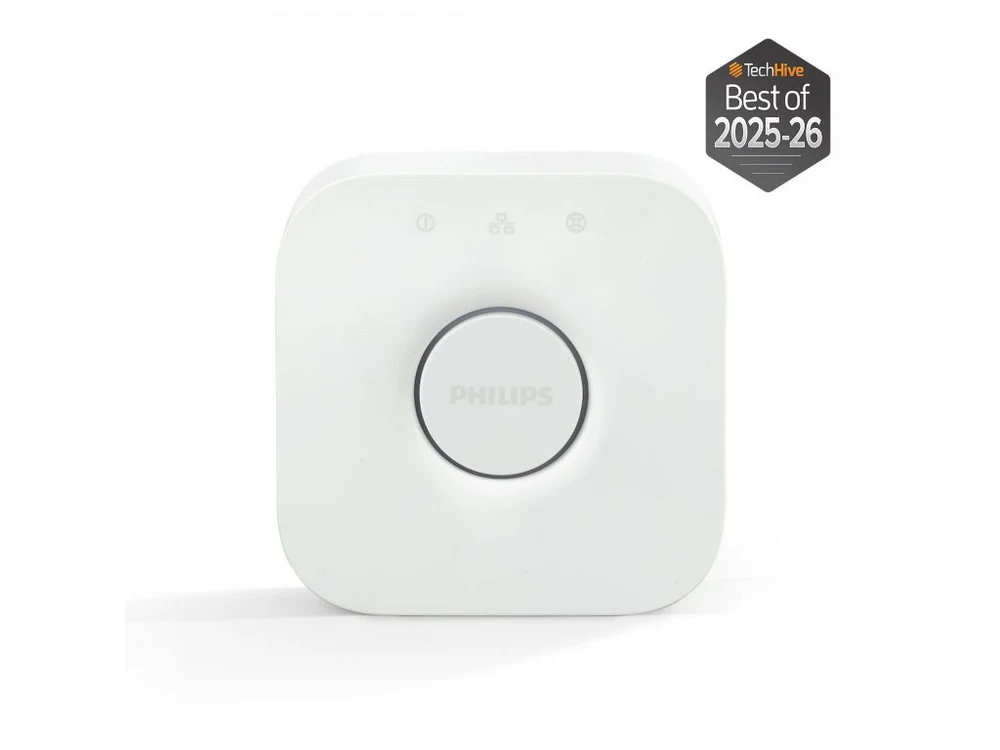
Connect existing lighting
Set up the bridge and pair the bulbs using the manufacturer’s setup process. Organize lights into room groups, then add the Hue integration in Home Assistant.
Verify the group
Check that the expected room entity responds to on/off and brightness changes before mapping it into DomoSenso. Ramka can show controls for configured light entities. No additional circuit wiring is specified by this component.
Setup references
These upstream instructions may evolve; the component versions and pinned source above record the DomoSenso scope.