
Pair with the hub
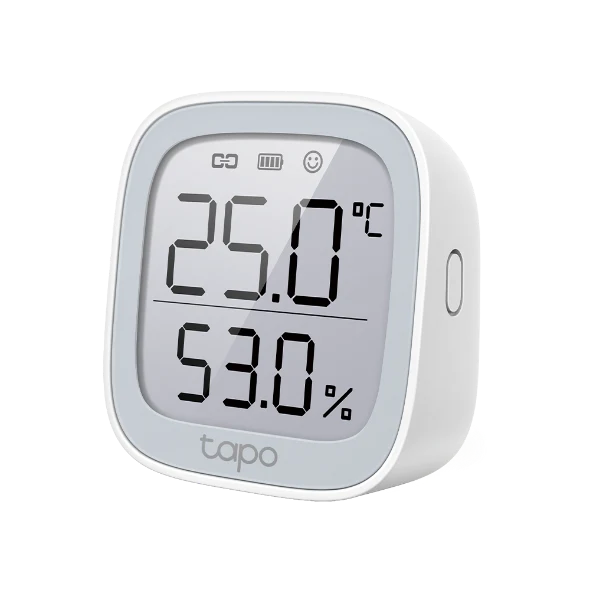
The documented setup uses a Tapo H200 hub. Pair the sensor with its hub, then configure the TP-Link/Tapo integration in Home Assistant.
Verify readings
Confirm fresh temperature and humidity entities. Map them into the climate-air inputs and, if desired, Ramka’s climate page. No custom wiring is required for this sensor setup. Follow the model’s manufacturer instructions for battery installation and placement.
Setup references
These upstream instructions may evolve; the component versions and pinned source above record the DomoSenso scope.